


Classic B&W
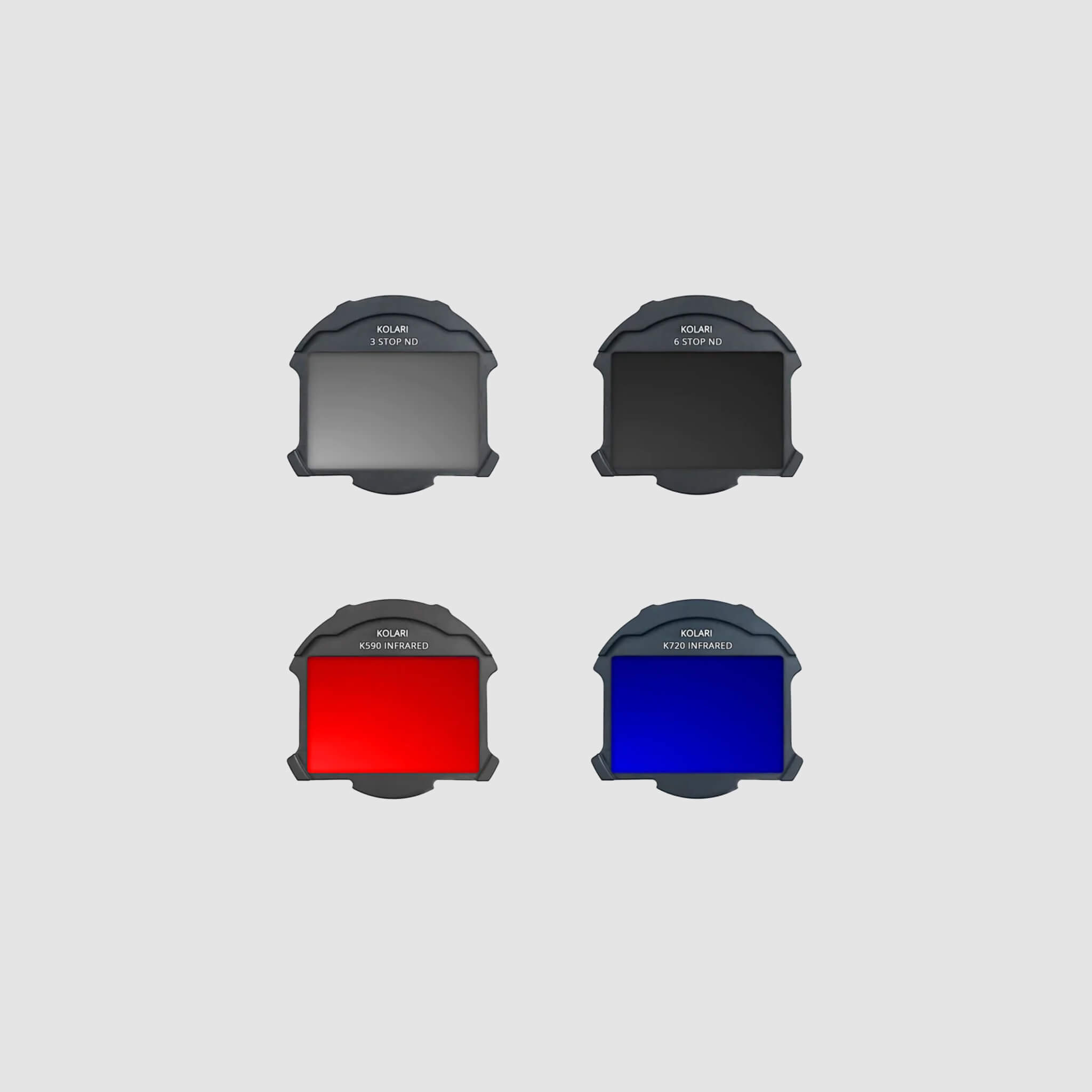
Recommended IR filters: from 695nm to 1000nm
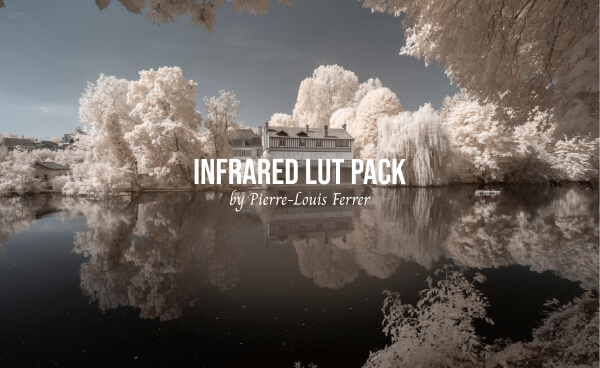
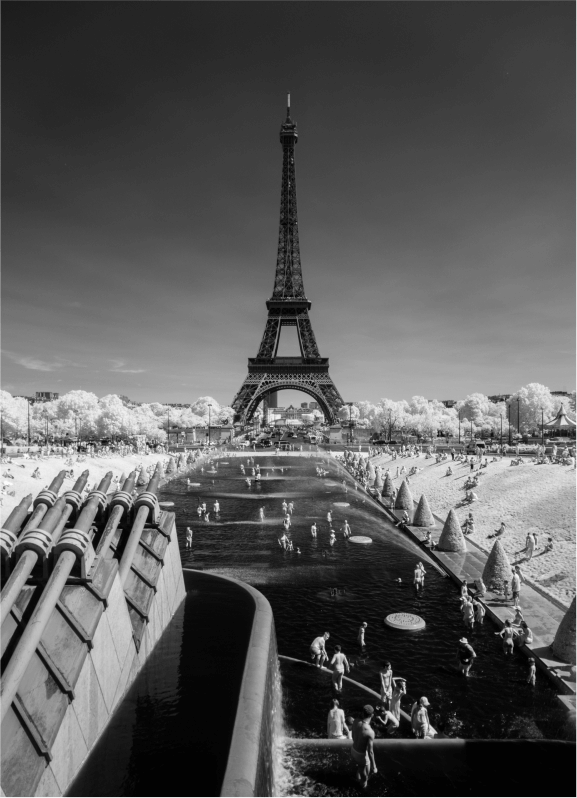
Features: This infrared LUT is dedicated to black and white and offers a rendering that is both rich in shades of gray and well contrasted.
Black and white conversion is also supported, so you just have to apply this LUT to your RAW file and enjoy the result!
Classic White
Recommended IR filters: from 695nm to 720nm
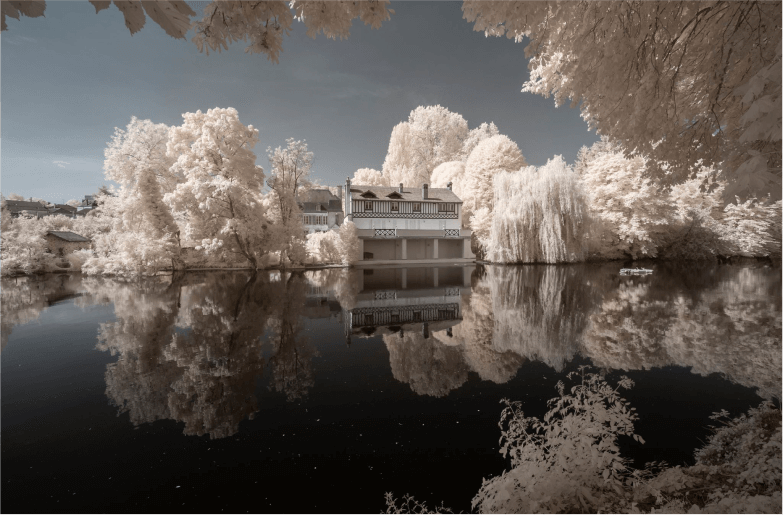
Features: This infrared LUT allows you to easily achieve the bright white vegetation typical of the “Wood Effect.”
The shades of white and blue can then be adjusted independently of each other for a personalized rendering according to your tastes.
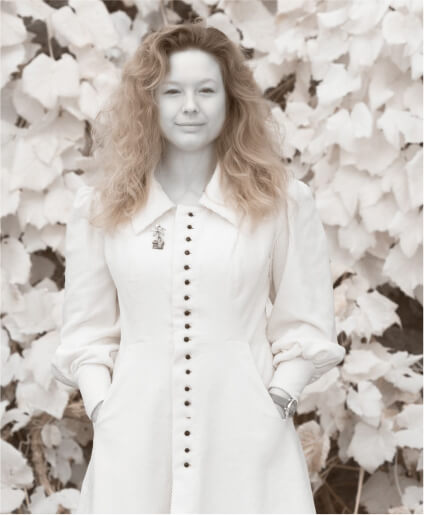
Immaculate Portrait
Recommended IR filters: from 695nm to 720nm
Features: This LUT is dedicated to infrared portrait photography, revealing milky and smooth skin while preserving the whiteness of the vegetation.
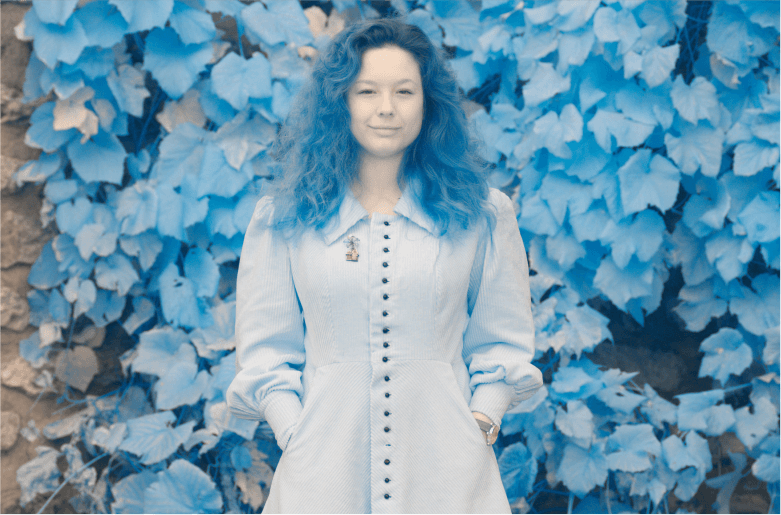
Colorful Portrait
Recommended IR filters: from 550nm to 665nm
Features: This LUT offers a more colorful alternative to the Immaculate Portrait, made for portraits shot with lower wavelength infrared filters.
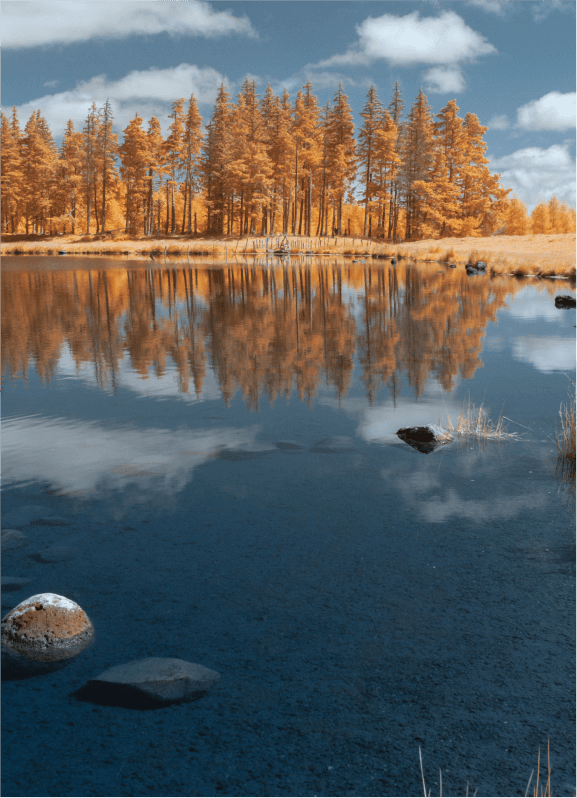
Soft Gold
Recommended IR filters: from 550nm to 665nm
Features: This infrared LUT allows you to easily achieve a soft and subtle golden yellow rendering of vegetation. This rendering is more or less marked depending on the filter used.
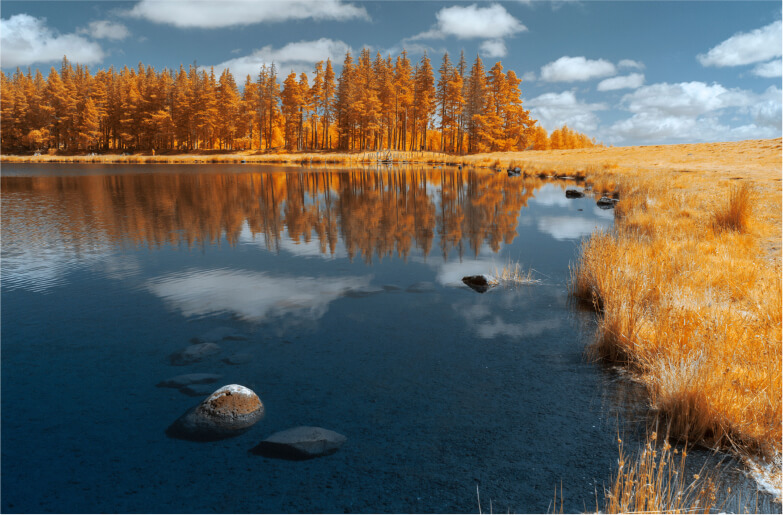
Deep Gold
Recommended IR filters: from 550nm to 665nm
Features: This infrared LUT allows you to easily achieve a more dense and saturated golden yellow rendering than with the Soft Gold. This rendering is more or less marked depending on the filter used.
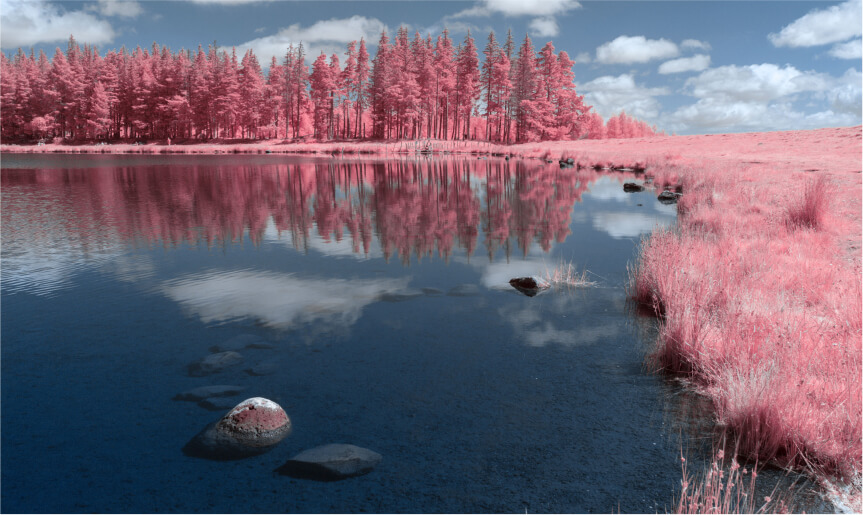
Soft Pink
Recommended IR filters: from 550nm to 665nm
Features: This infrared LUT allows you to easily achieve a soft and subtle pink rendering of vegetation while maintaining blue skies. This rendering is more or less marked depending on the filter used.
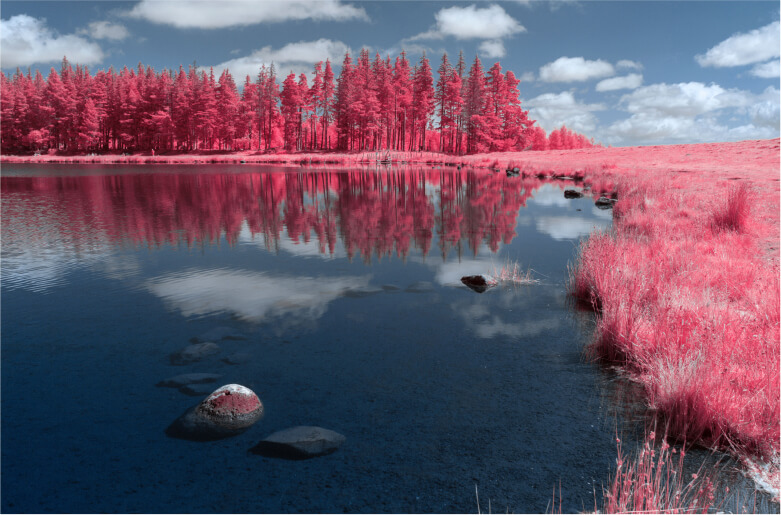
Deep Pink
Recommended IR filters: from 550nm to 665nm
Features: This infrared LUT allows you to easily achieve a more dense and saturated pink rendering than with the Soft Pink. This rendering is more or less marked depending on the filter used.
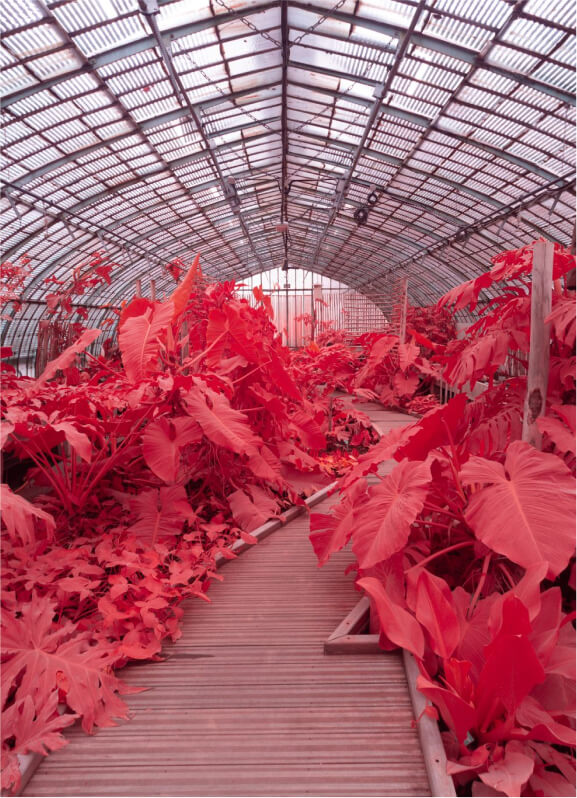
Soft IR Chrome
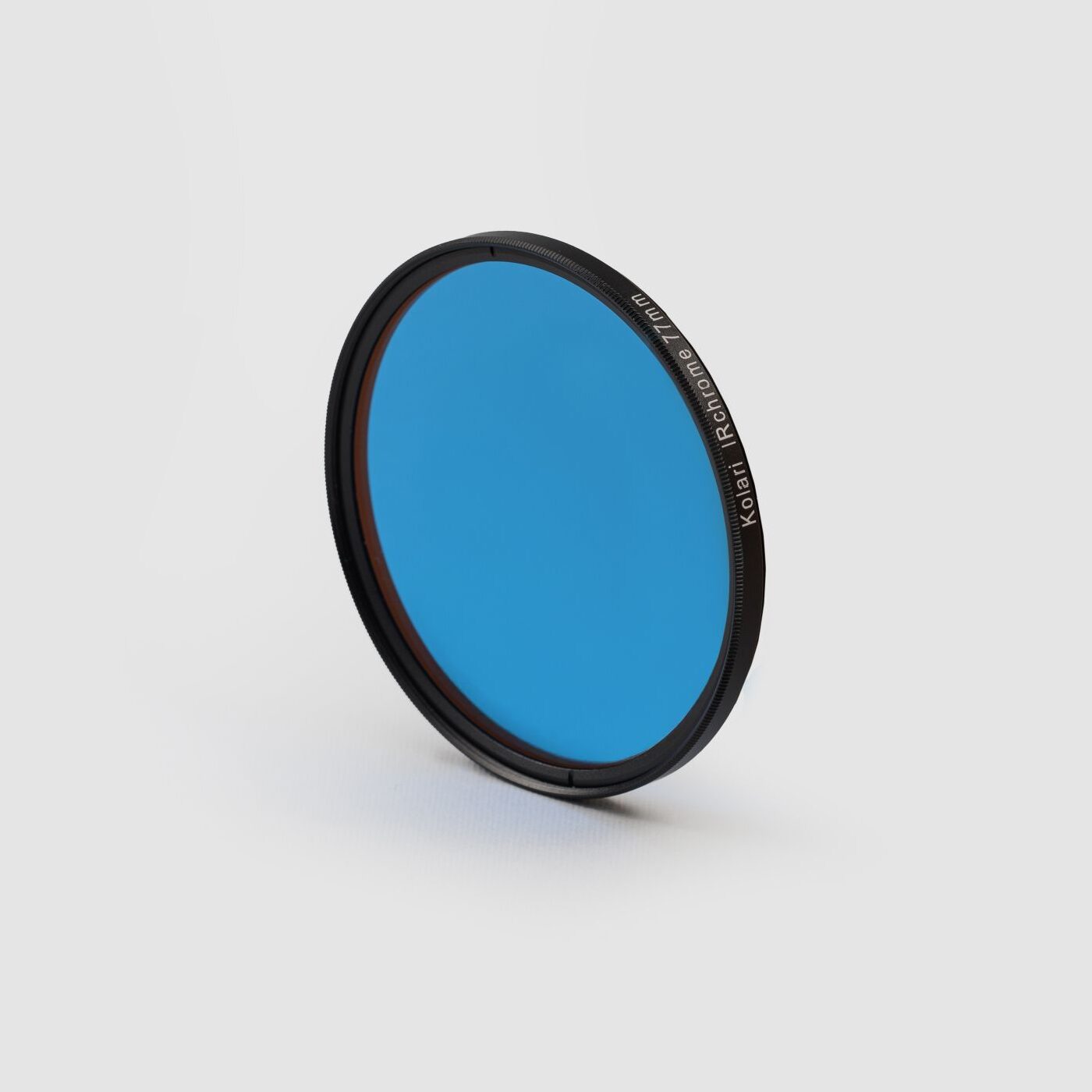
Recommended IR filter: IR Chrome
Features: This infrared LUT allows you to correct the orange rendering of the IR Chrome filter to bring back bright red vegetation without impacting the other colors of the image.
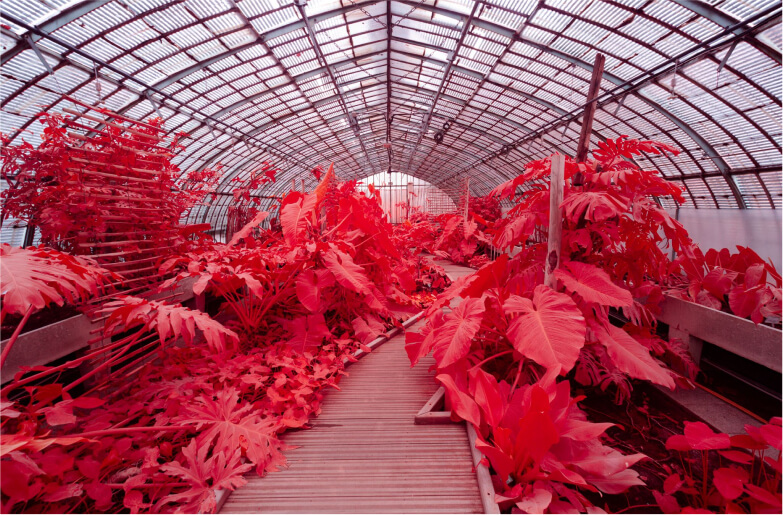
Deep IR Chrome
Recommended IR filter: IR Chrome
Features: This infrared LUT offers a more intense and saturated rendering of red compared to the Soft IR Chrome.
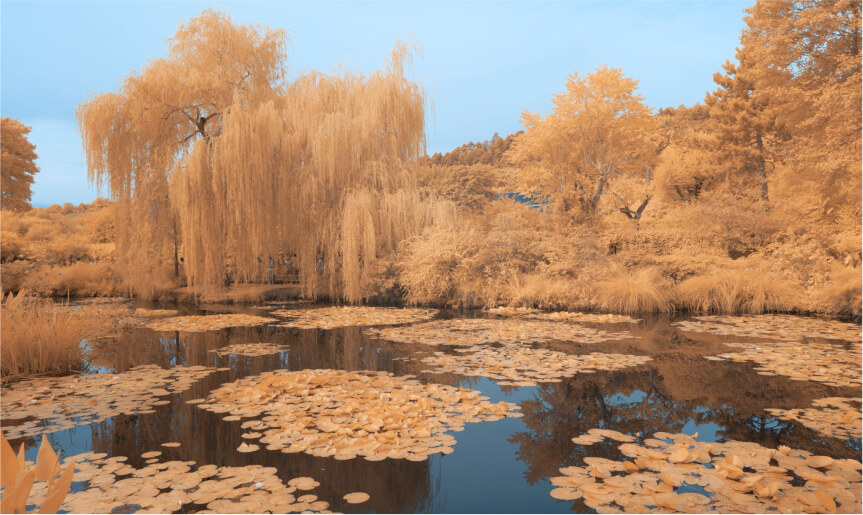
Soft NDVI
Recommended IR filter: Blue NDVI
Features: This infrared LUT allows you to correct the magenta/orange rendering of the Blue NDVI filter to bring back bright yellow vegetation without impacting the other colors of the image.
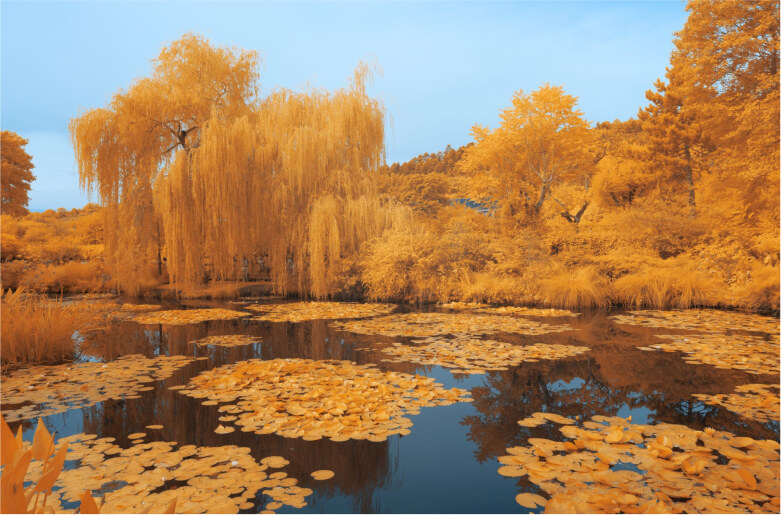
Deep NDVI
Recommended IR filter: Blue NDVI
Features: This infrared LUT offers a more intense and saturated rendering of yellow compared to the Soft NDVI.