0
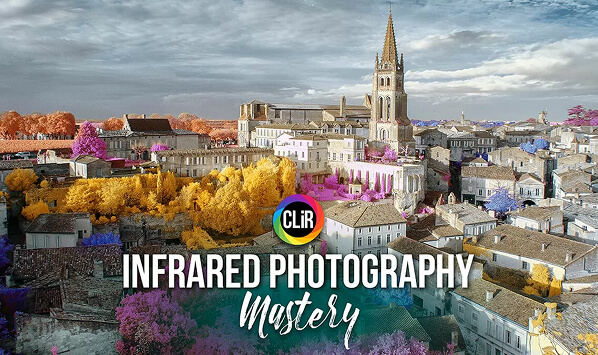
Thumbnail of CLiR Infrared Photography Mastery   Complete IR Course and Software
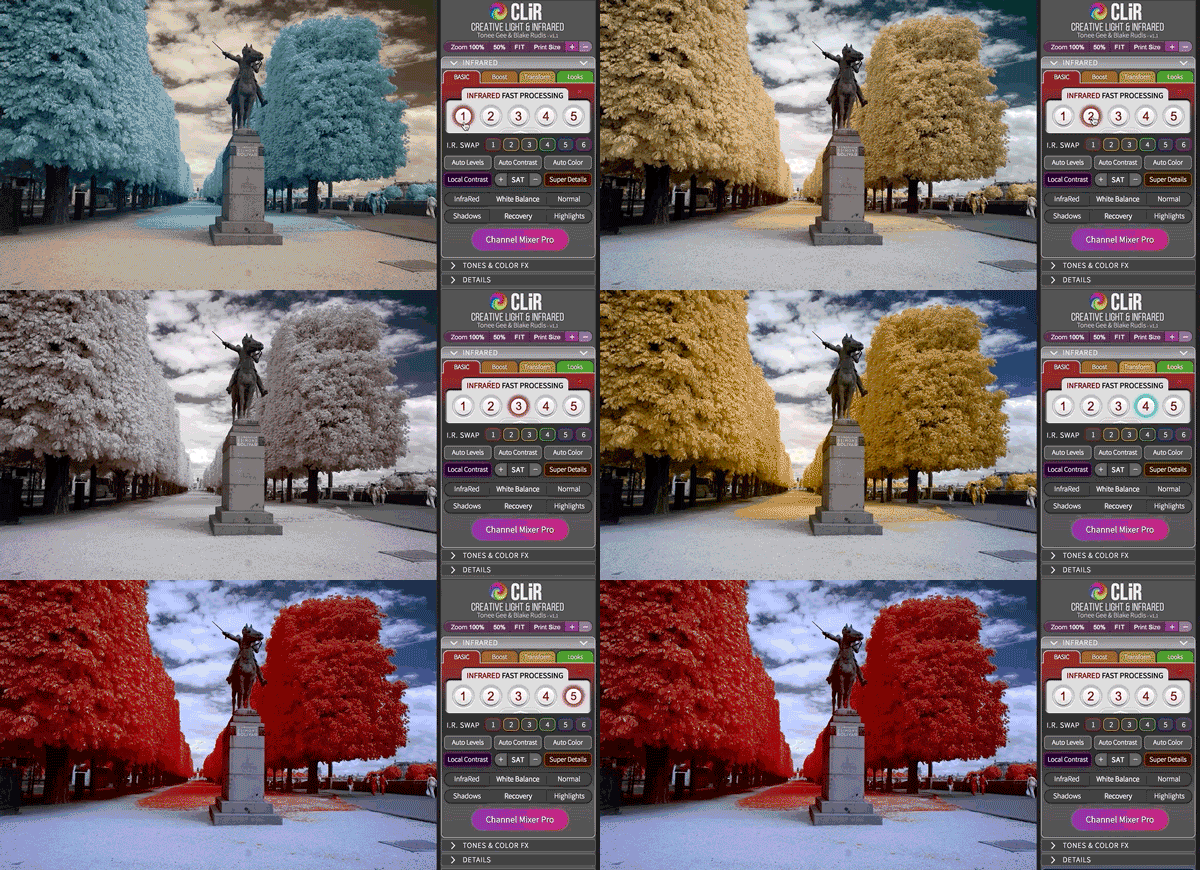
Thumbnail of CLiR Panel Swaps
Thumbnail of Screen Shot 2020 09 12 at 11 55 22 scaled 1
Thumbnail of Screenshot 3
Thumbnail of Screenshot 4
Thumbnail of IR Mastery Splash 2
Thumbnail of Screenshot 1
Thumbnail of CLiR Infrared Photography Mastery   Complete IR Course and Software IR Mastery Box

CLiR Infrared Photography Mastery – Complete IR Course and Software

265,18

In Stock

Out of Stock

On Backorder

Items with pre-order status are in production and have not been made yet, and typically take a few months before they ship. Items "On Backorder" are temporarily out of stock, and may take several weeks to months until they are back in stock and ready to ship.

Easy 60-day returns

kolari calculator icon
Calculate Shipping
SKU: CLIR Categories: ,

INFRARED PHOTOGRAPHY

Discover the World in a Whole New Light : Infrared!

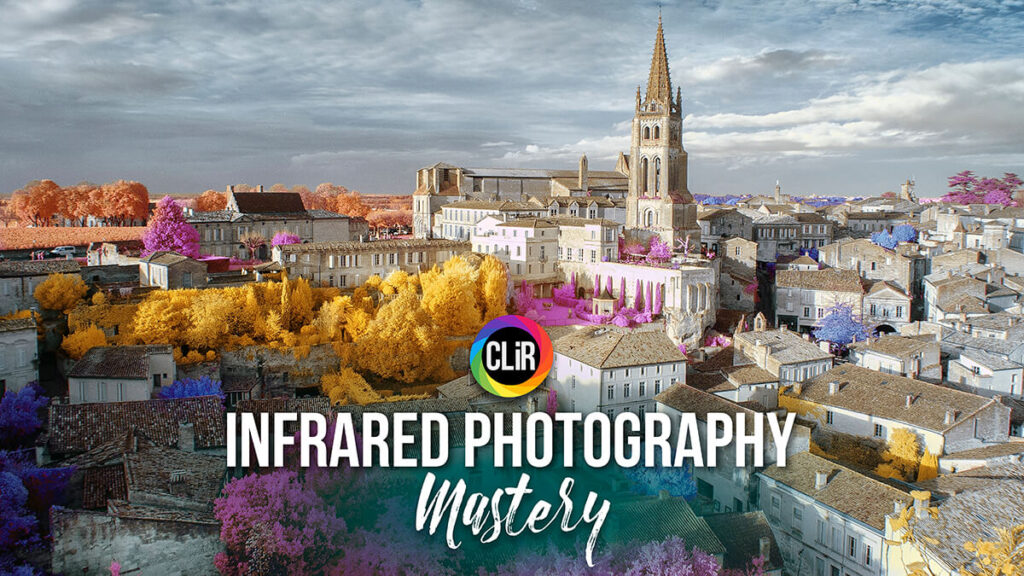
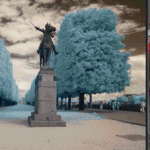
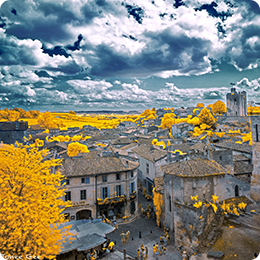
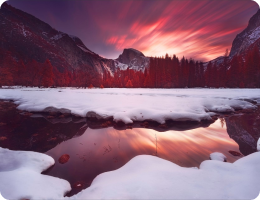
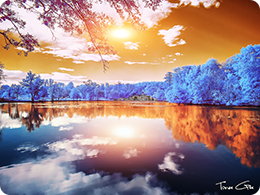
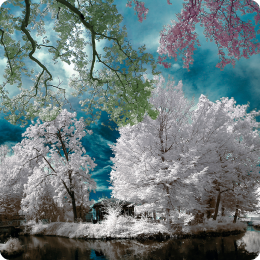
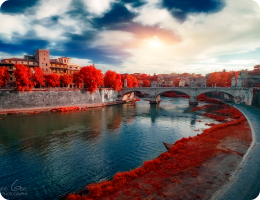
Infrared Photography opens you up to unimaginable possibilities with your photography. “Traditional” Visible Light landscapes transform into unparalleled dimensions created from your imaginative vision. The possibilities are truly endless and wildly gratifying.

CLiR Infrared Photography Mastery course

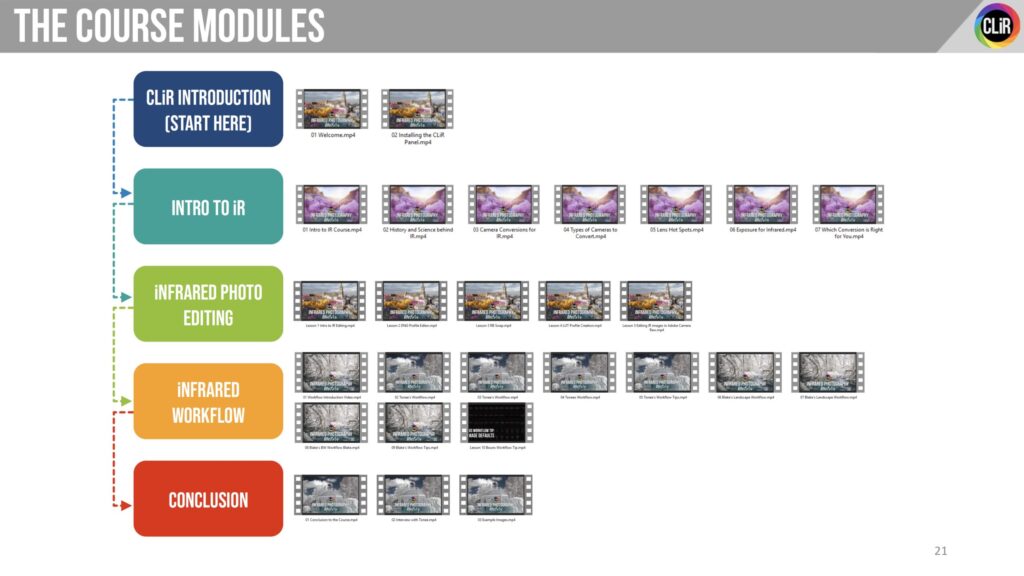
The Creative Light and Infrared IR Mastery Education Bundle includes 28 never before seen videos focused on Infrared photography. This course is the first of its kind.

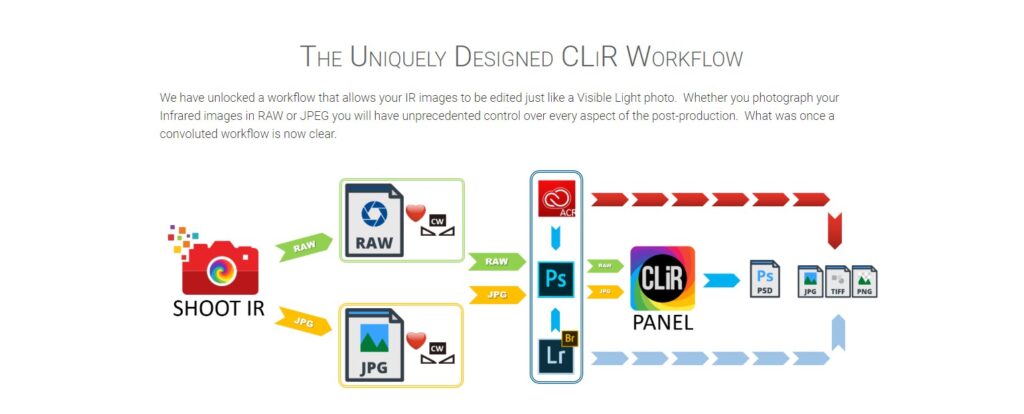
Until now, the infrared photography process has been convoluted, challenging to master, and extremely unpredictable.

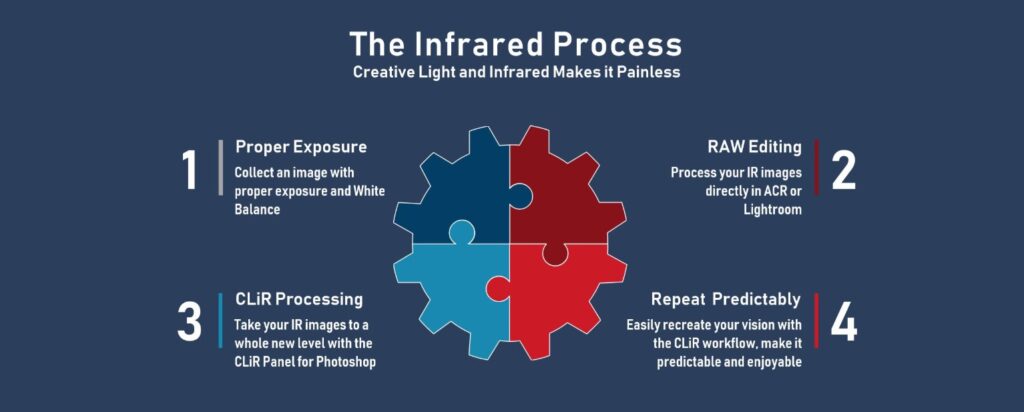
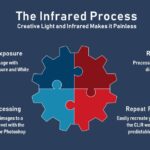
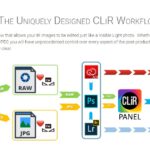
With the CLiR Workflow and Photoshop Panel, infrared photography has never been simpler and more enjoyable.

The Panel and Workflow are only for Photoshop.

What’s included in the CLiR Mastery Course bundle?

The Ultimate Infrared Course and Photoshop Panel. CLiR v1.2 now includes over 400 pre-built Infrared profiles During CLiR course, we taught you how to build a custom profile for your camera. It’s the essence of processing iR with Adobe Lightroom, Camera Raw and Photoshop. No more messing about with the DNG Profile Editor. Just open the CLiR Infrared Profiles Library, pick your camera’s brand and model, copy the dcp file and install it in your computer, thats it. Happy editing!

680

Pages of Documentation

308

Minutes of Video materials

28

Video Lessons

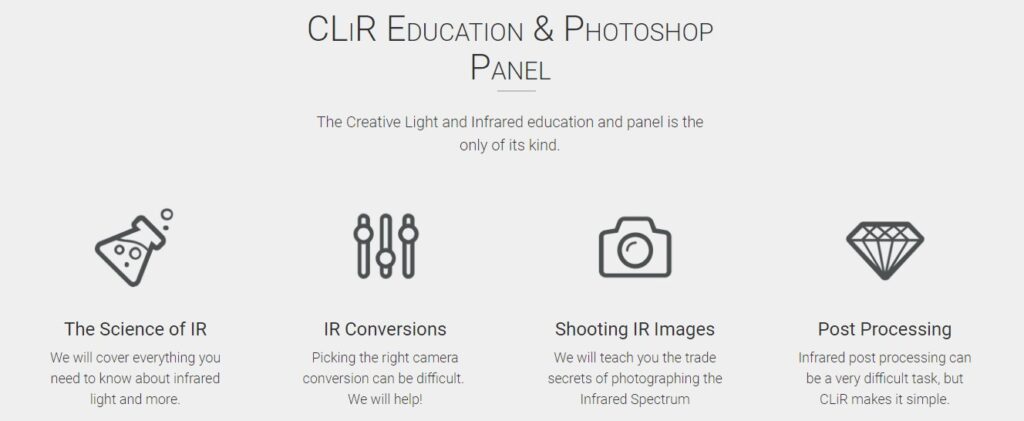
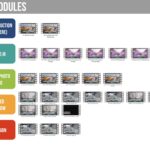
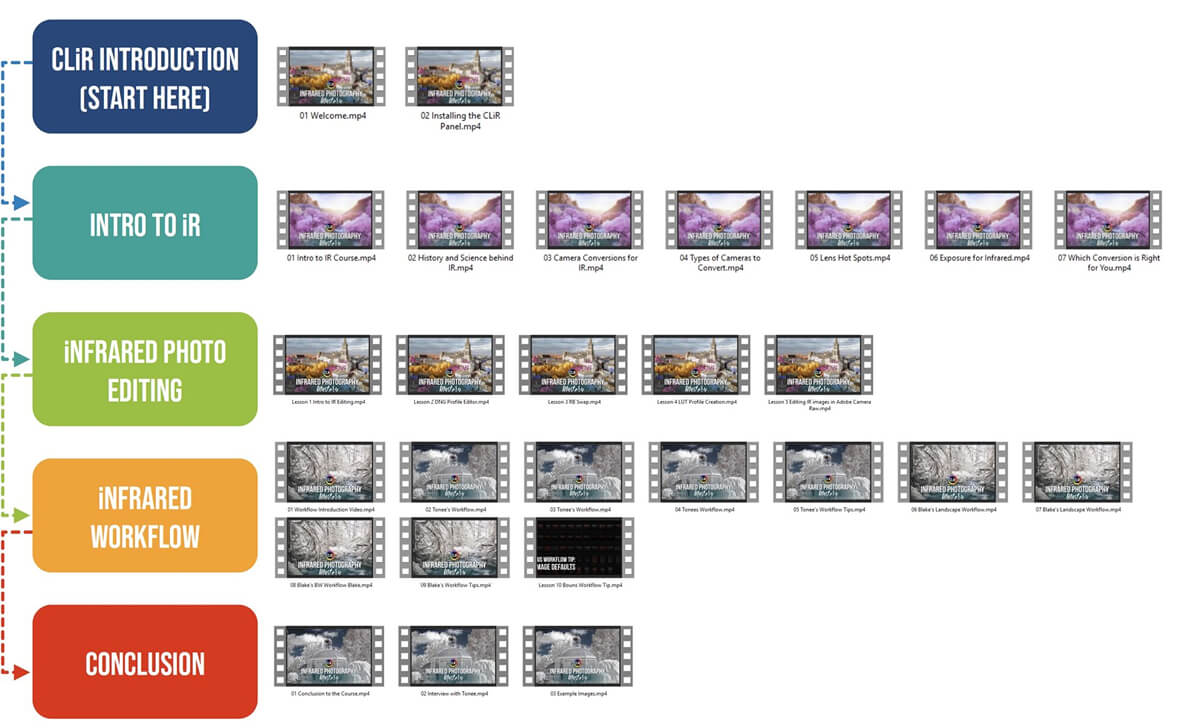
Master the Art of Infrared Photography in 5 Comprenhensive Modules

From fundamentals to creative mastery: Learn to capture ethereal landscapes, master equipment and lighting, refine post-processing techniques, and develop your unique infrared style—all through a structured, step-by-step journey.

Meet the CLiR team

From fundamentals to creative mastery: Learn to capture ethereal landscapes, master equipment and lighting, refine post-processing techniques, and develop your unique infrared style—all through a structured, step-by-step journey.

Tonee Gee

Photographer / Developper / Co-founder

Blake Rudis

Education Junkie / Co-founder

Created with CLiR

From fundamentals to creative mastery: Learn to capture ethereal landscapes, master equipment and lighting, refine post-processing techniques, and develop your unique infrared style—all through a structured, step-by-step journey.

Frequently Asked Questions

Nope! There is no subscription required to watch any of the material after you purchase it. Once you purchase it is yours. You have access to all of the videos and can watch them at your leisure offline.
Not exactly. Let us explain.

All dot releases will be free of charge to update and we will notify you when that happens. A dot release is anything that stays within the same generation of the panel but has slight modifications. For example, 1.1 to 1.2 would be free of charge, but 1.2 to version 2.0 may have an upgrade charge.

Unfortunately, the CLiR Panel will not work with Elements. Some of the training in the tutorial package may apply, but the Panel wil only work in Photoshop CC.

The CLiR Panel will only work on the following platforms:

  • Photoshop CC (2014 and up)The CLiR Panel WILL NOT work in the following programs.
  • Photoshop Elements
  • Lightroom
  • Versions of Photoshop CS6 and Below The panel is in ENGLISH but is fully functional in all languages of Photoshop

While it will not work directly in the plug-in, because it is only for Photoshop CC you may use your favorite plug-in either before or after.   It really depends on where you use your third-party plugins in your workflow.

There really is nothing else out there for Infrared post-production. The CLiR Panel and Workflow we have created are unique and finally give infrared photographers a clear path to infrared masterpieces. The IR Workflow is very convoluted without the CLiR information we are providing.

Please be patient, these are rather large downloads.

The Full Education Bundle: 2 Downloads for a total of 3.10 GB

All of the videos were recorded at 1080p HD and come with high-res images to work with.  While it is a rather large download, it is being hosted on Amazon S3′s reliable server.  It is highly recommended that you use one of the following browsers to download the file:
  • Internet Explorer
  • Chrome
  • Firefox
  • Safari
Comments

CLiR Infrared Photography Mastery – Complete IR Course and Software

265,18

Are you sure?

You’re about to leave the EU site and visit our US website (kolarivision.com).
Do you want to continue?